Vector Converter is installed
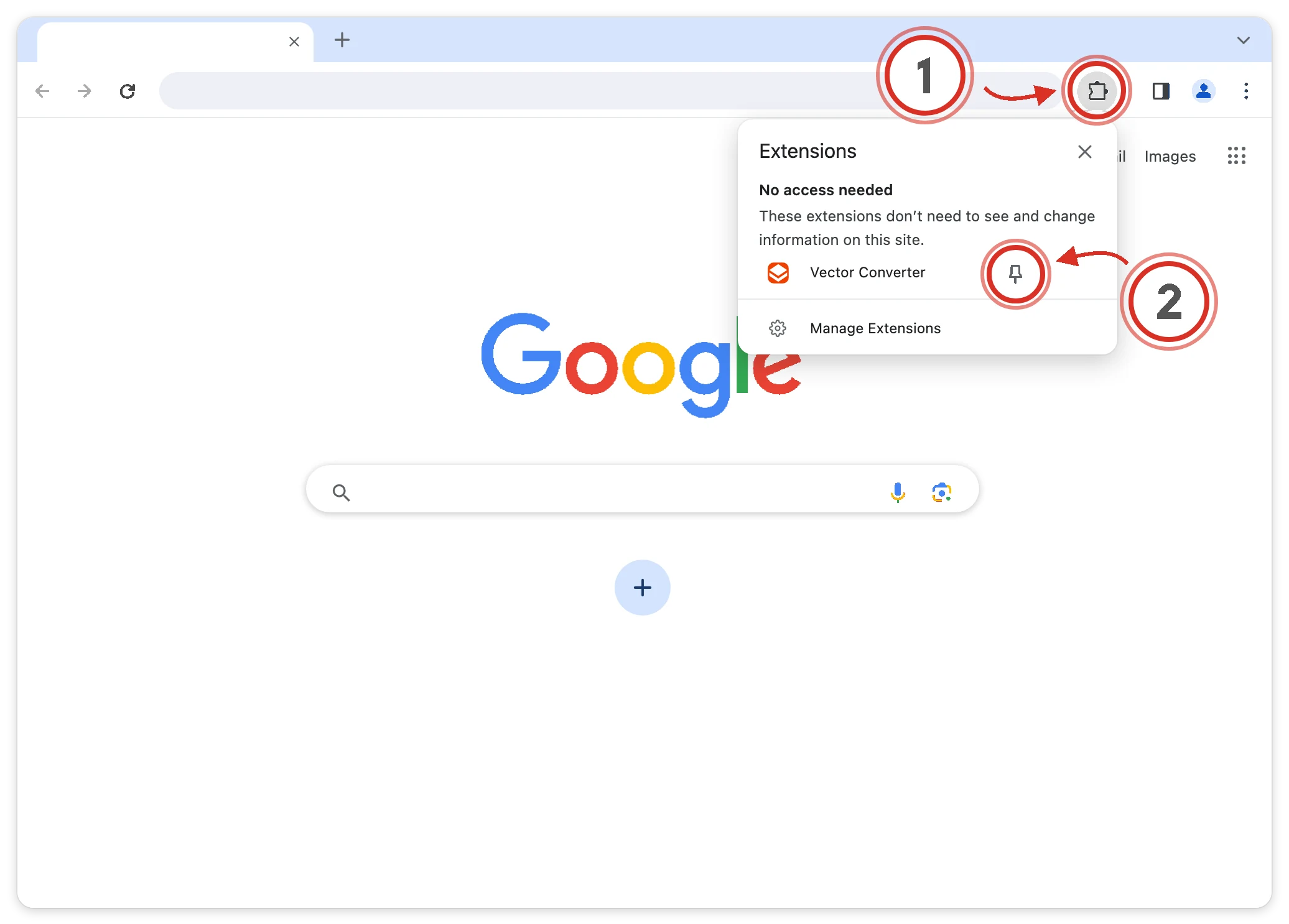
Click the puzzle piece (1) in the top-right corner of your browser, then click the pin (2) next to Vector Converter:
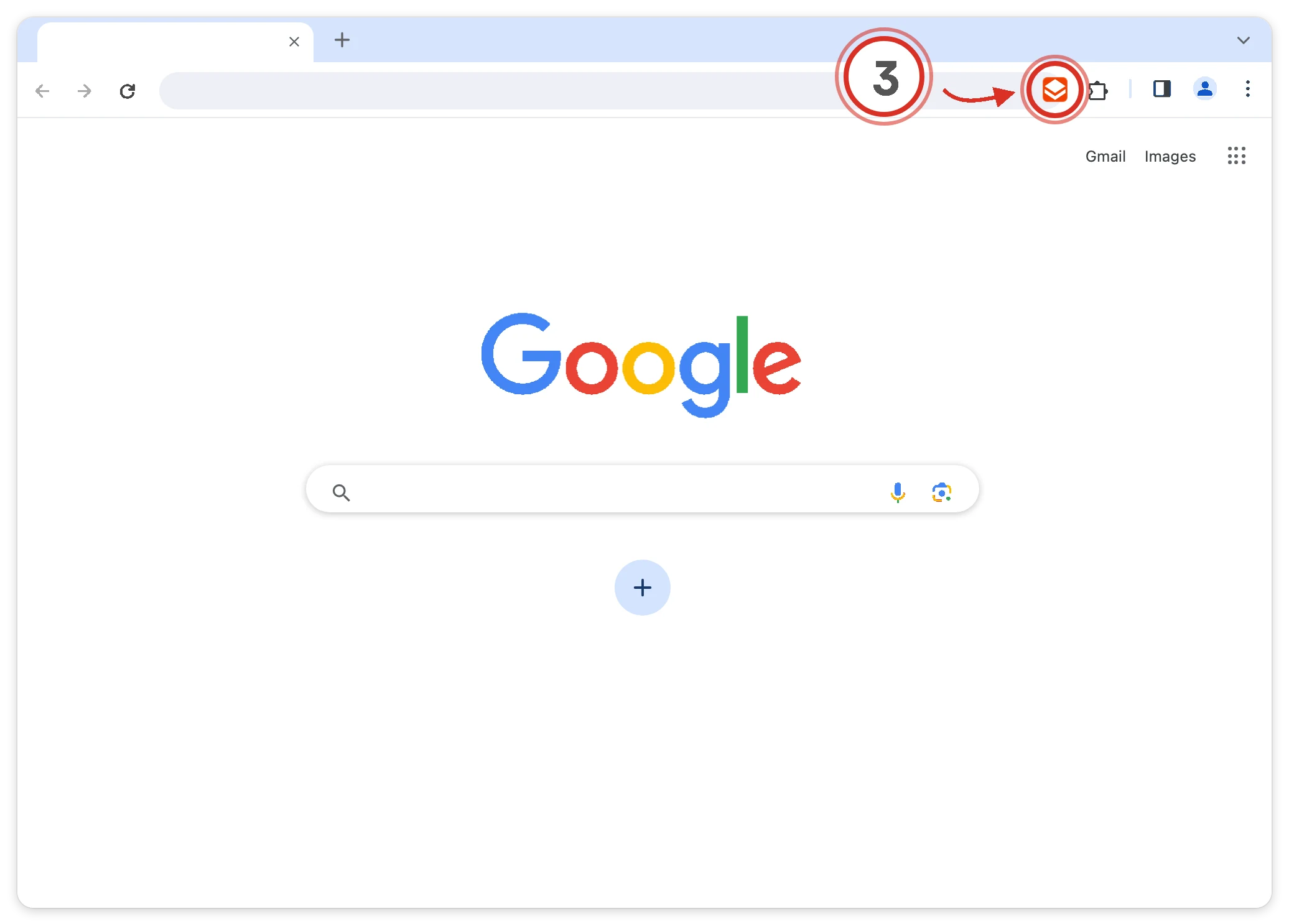
Open the extension (3) on any page to start using Vector Converter:
Already pinned? See how to use Vector Converter
Vector Converter is ready
It is already on your toolbar. Here is how to get the most out of it.

-
1Add a picture
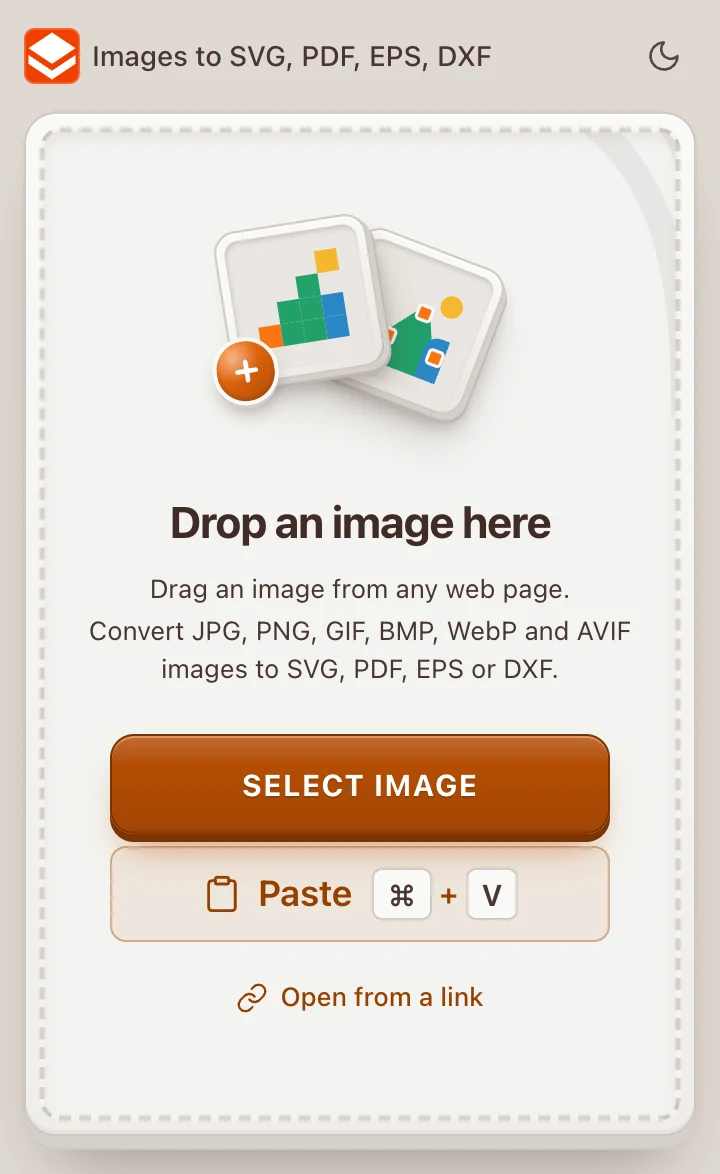
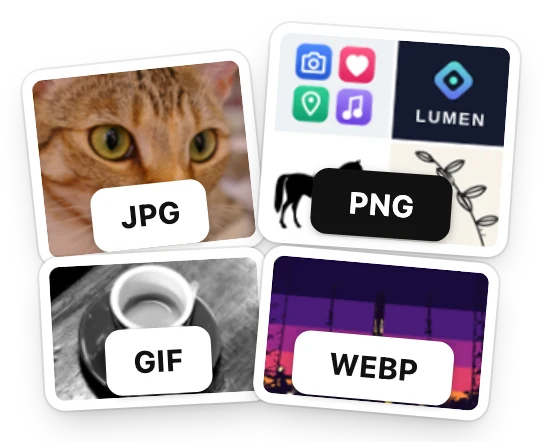
Drop an image into the panel, from your computer or straight from a web page. Or press Select image or Open from a link. JPG, PNG, GIF, BMP, WebP and AVIF all work.
Copied a picture? Press Paste, or Ctrl + V on any page while the panel is open.
-
2Or take a picture from any site
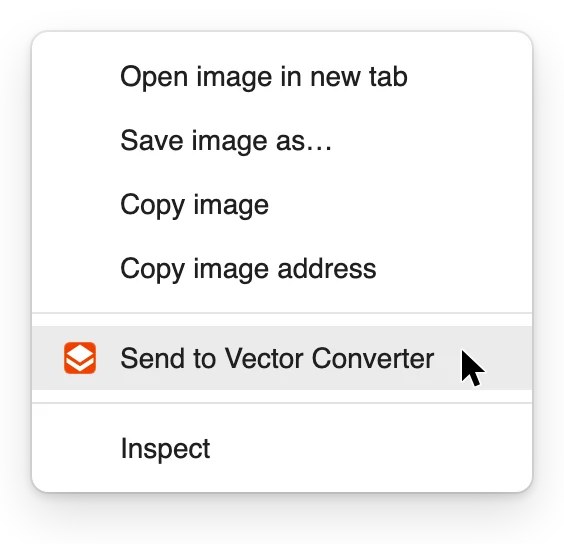
Right-click a picture on any site and choose Send to Vector Converter.
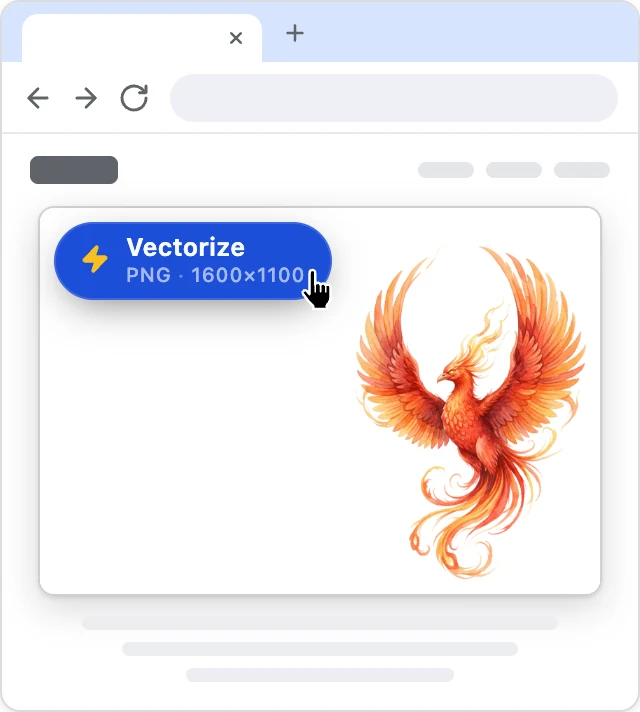
Want it in one click? Turn on Show Vectorize button at the bottom of the panel, and a Vectorize button appears on a picture when you point at it.

-
3Fine-tune the result
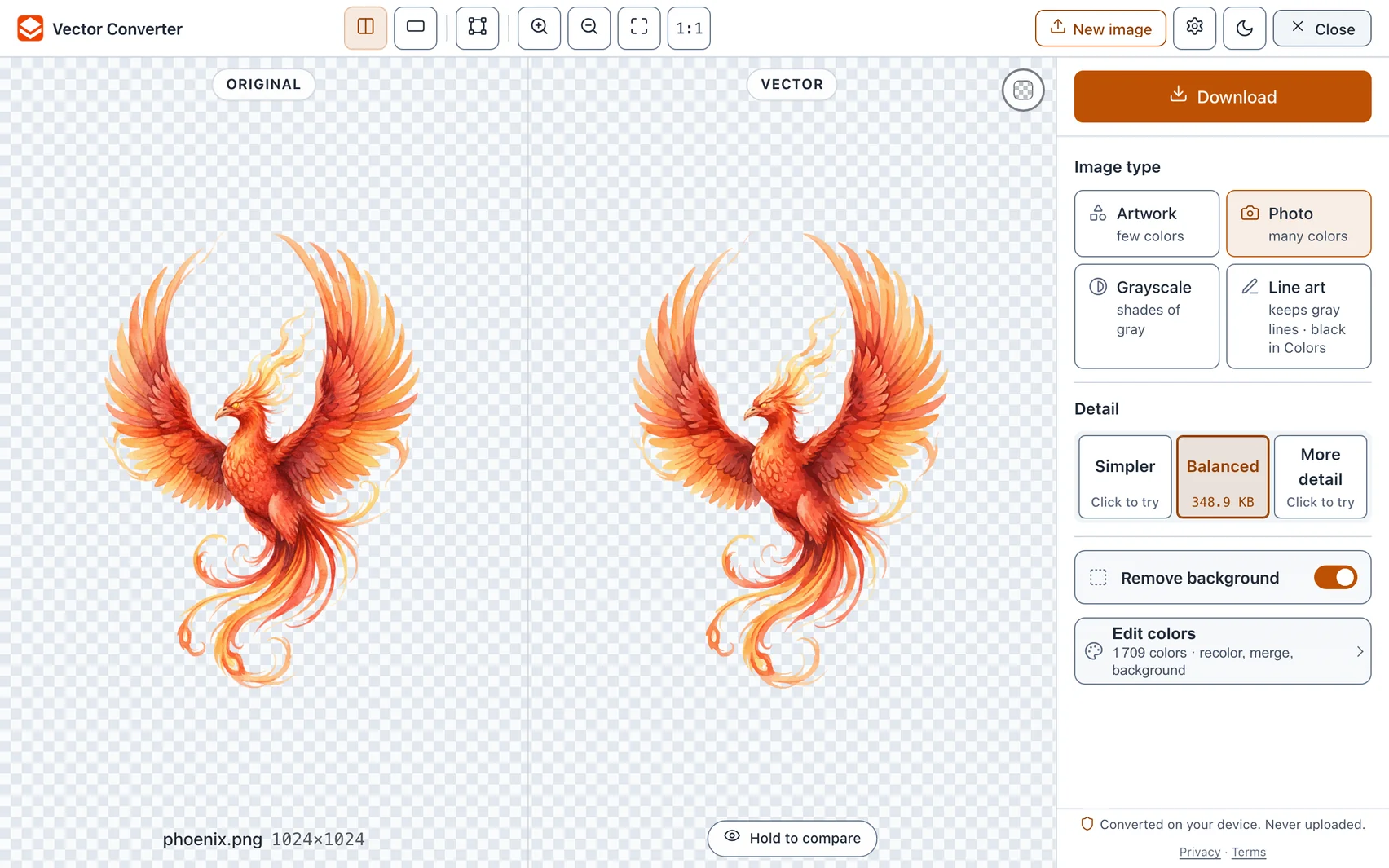
The converter opens in a new tab with the picture already traced. Change the Image type or how much Detail to keep. In Edit colors you can recolor, merge colors or make a color transparent.
-
4Download
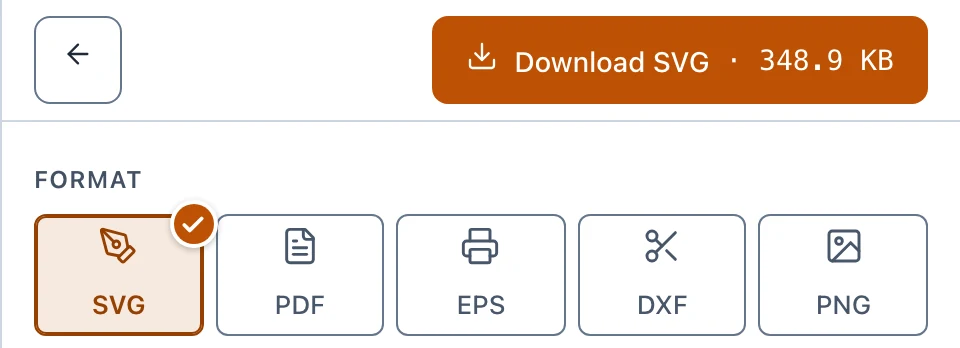
Press Download and choose a Format: SVG, PDF, EPS, DXF or PNG. Then press the button above the formats, Download SVG for example, to save the file.
Converted on your device. Never uploaded.
Don’t see the icon on your toolbar? Show how to pin it
© 2026 Vector Converter